Overwolf app for Warframe
Your whole Warframe inventory, read automatically
Launch the game and every frame, weapon, mod and resource you own is already here. Nothing to type in.
Free · Windows · requires Overwolf
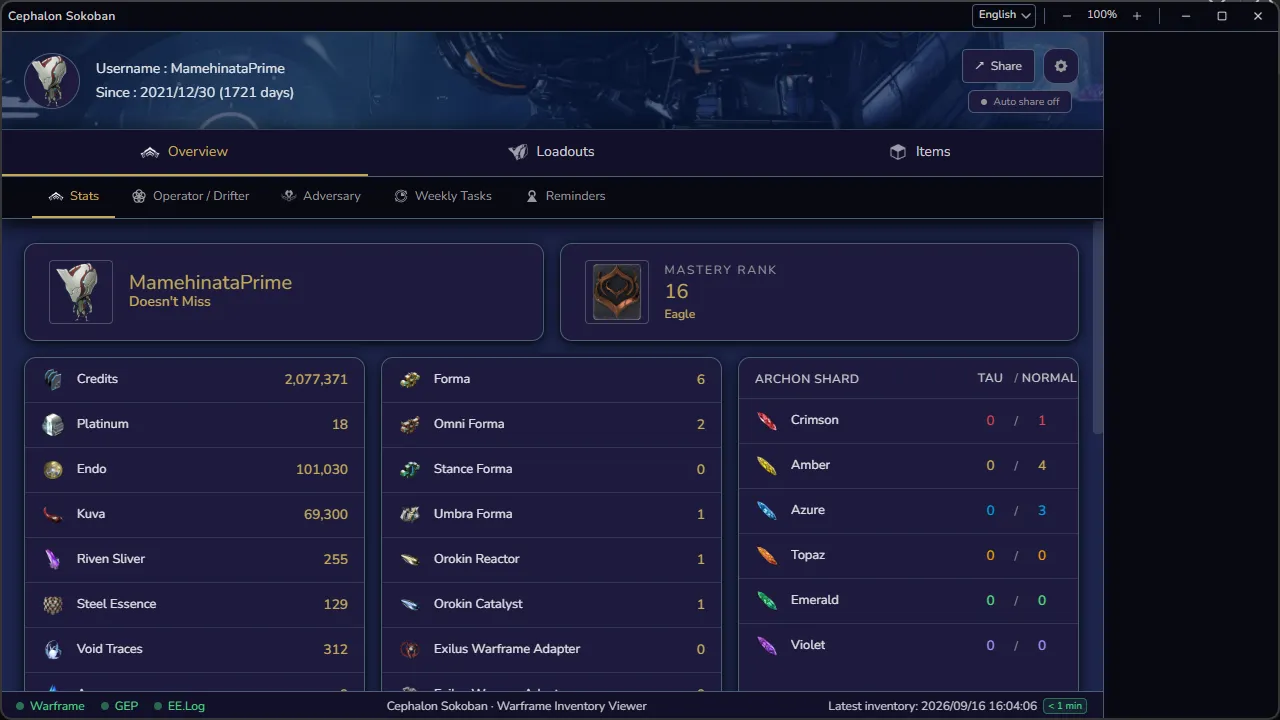
Three sections · 18 tabs
Overview, Loadouts, Items
Everything the game tracks about your account, sorted the way you already think about it.
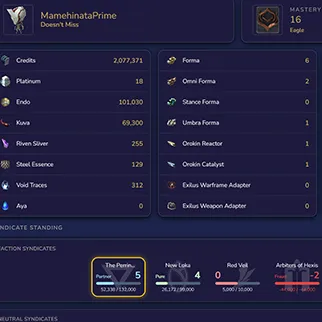
Overview
Stats · Operator / Drifter · Adversary · Weekly Tasks · Reminders
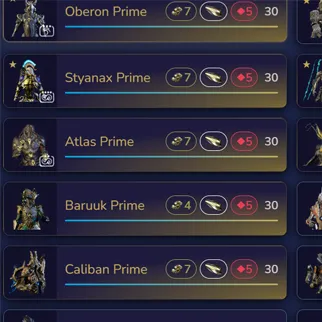
Loadouts
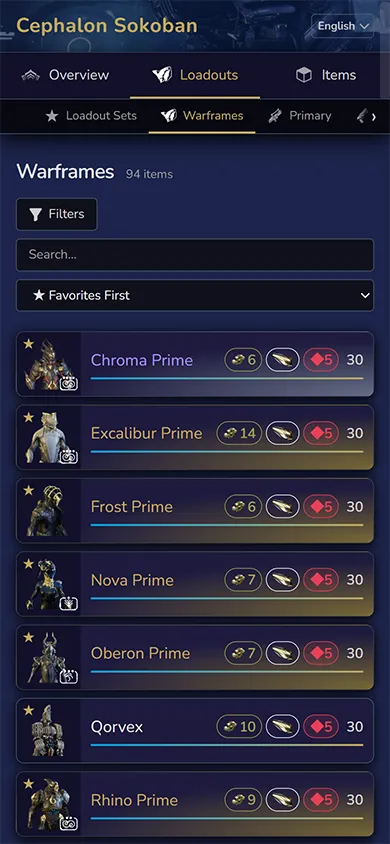
Loadout Sets · Warframes · Primary · Secondary · Melee · Companions · Vehicles · Railjack
Items
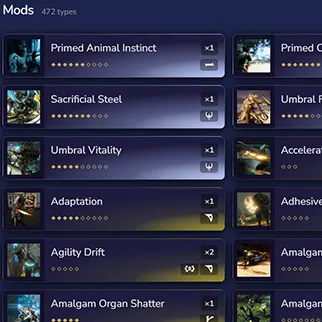
Mods · Arcanes · Blueprints · Relics · Misc
Down to the last mod
Not just what you own — how it's built
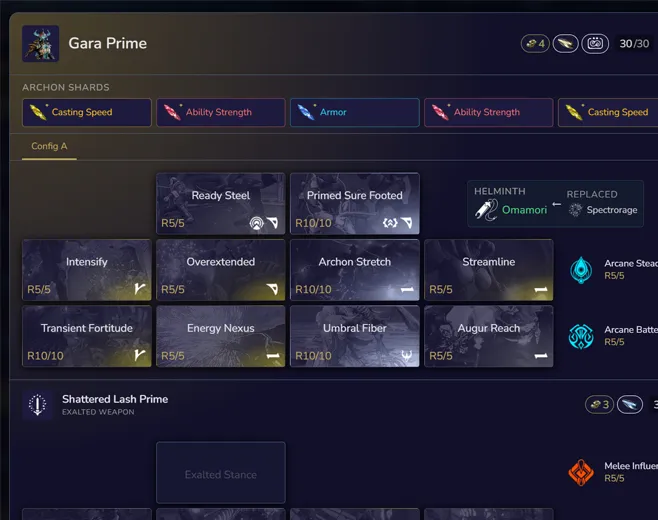
Open any frame or weapon and its saved configurations come with it.
- Every saved configuration, slot by slot
- Riven stats and grade
- Archon Shards fitted to the frame
- Forma count, Orokin Reactor, Exilus adapter
Share
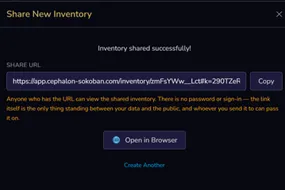
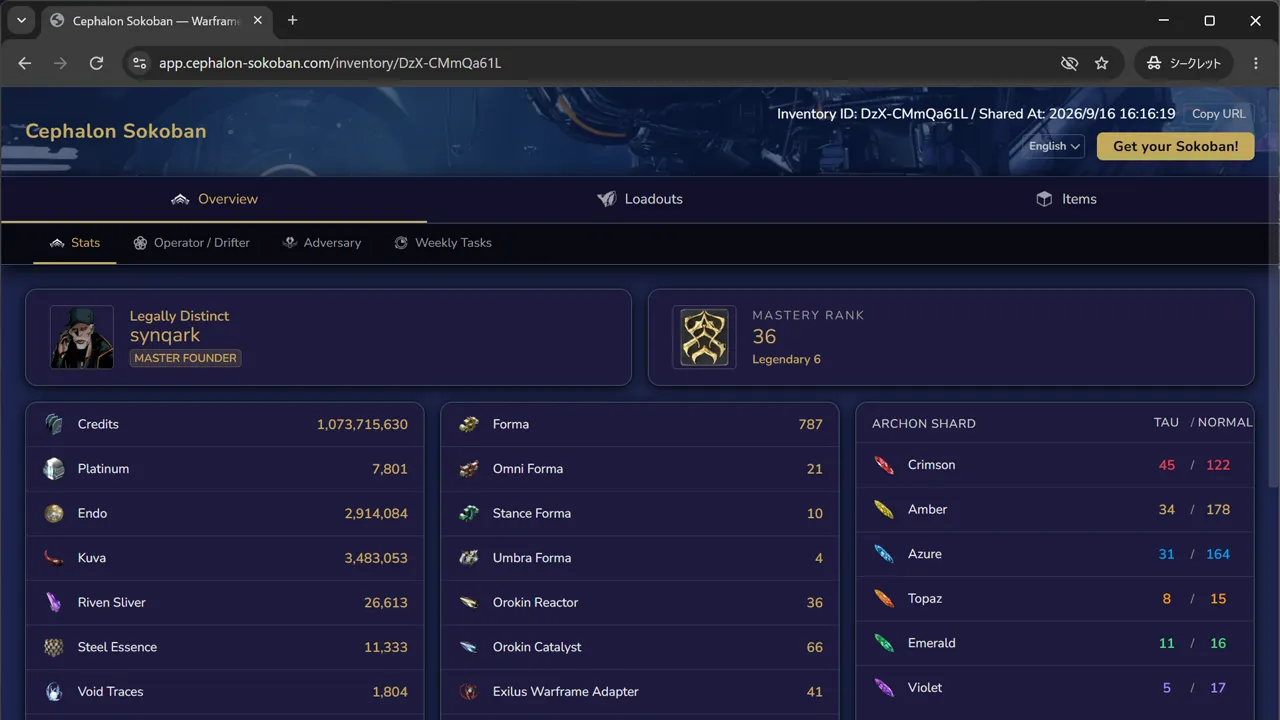
Send your arsenal as a link
Your friends open it in any browser — desktop or phone. No install, no sign-in, nothing to set up.
In the app
Desktop browser
Phone
Reminders
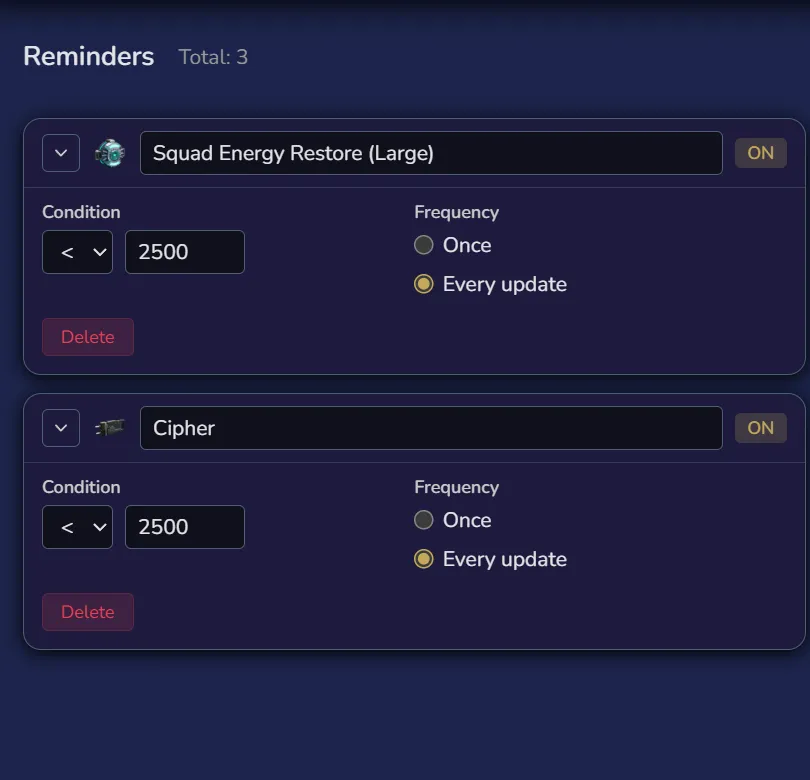
It tells you the moment a part is ready
Set a rule once. Cephalon Sokoban watches your counts and pings you in-game when it fires.

Questions
Do I need Overwolf?
To read your own inventory, yes — the app gets your account data from the game through Overwolf. Viewing a link someone shared with you needs nothing at all: it opens in any browser.
Which platform does it support?
Warframe on PC (Windows), because Overwolf itself is Windows-only. Shared links can be opened from any device, including phones.
Who can see an inventory I share?
Anyone who has the URL. There is no password and no access control, so treat a share link as public. Temporary links expire after an hour; permanent links stay up until you change or delete them.
Where is my data kept?
Nothing leaves your PC until you share. When you do, the snapshot is compressed, encrypted with AES-256-GCM and stored on Cloudflare R2; temporary shares are deleted an hour later. The encryption exists to make the stored file worthless on its own — it is not access control for a link you hand out.
How much does it cost?
It is free. Like other Overwolf apps, it shows ads.
What languages does it speak?
English and Japanese. The app follows the language you have set in Warframe, and item names come from the game's own dictionaries.
Install it once and forget it is there
It starts with the game, reads your account, and stays out of the way until you want it.
Free · Windows · requires Overwolf